How can we help you?
Search our knowledge base or browse categories below
248
Articles
52
Video Tutorials
24/7
Live Support
<2h
Avg Response
Getting Started
Learn the basics of NexusQuant and set up your first trading bot in minutes.
AI Trading Bots
Configure and optimize Signal, DCA, Arbitrage bots and Pump Screener.
DeFi Integration
Connect to DeFi protocols, yield farming, staking pools and liquidity.
Wallets & Security
Connect wallets, manage API keys, and secure your trading account.
Analytics & Reports
Understand your portfolio performance, P&L reports and trading metrics.
Billing & Subscription
Manage your subscription plans, payment methods and invoices.
Recent Articles
View allHow to Set Up Your First DCA Bot in 5 Minutes
A step-by-step guide to configure Dollar Cost Averaging bot for consistent investing...
Best Practices for API Key Security
Learn how to protect your exchange API keys and enable two-factor authentication...
Connecting to Uniswap V3 Liquidity Pools
Complete guide to adding liquidity and tracking your positions on Uniswap V3...
A DCA Bot automatically purchases a fixed dollar amount of cryptocurrency at regular intervals, regardless of price. This strategy helps reduce the impact of volatility and removes the need to time the market. You can configure the bot to buy daily, weekly, or at custom intervals.
The Signal Bot executes trades based on technical indicators and AI-generated signals. It analyzes market conditions using multiple indicators like RSI, MACD, moving averages, and our proprietary AI models to identify optimal entry and exit points.
To connect MetaMask: 1) Click on "Wallets" in the sidebar, 2) Select "Connect Wallet", 3) Choose MetaMask from the list, 4) Approve the connection in your MetaMask popup. Your wallet will be connected securely without sharing your private keys.
NexusQuant supports major DeFi protocols including Uniswap V2/V3, SushiSwap, PancakeSwap, Aave, Compound, Curve Finance, Balancer, and many more. We regularly add new protocols based on user demand and security audits.
Yes, your API keys are encrypted using AES-256 encryption and stored securely. We recommend only granting trading permissions (not withdrawal) when creating API keys. We never have access to your funds directly, and all trades are executed through your exchange account.
Go to Security & API Keys in your account settings. Click "Enable 2FA" and scan the QR code with an authenticator app like Google Authenticator or Authy. Enter the verification code to complete setup. We strongly recommend enabling 2FA for enhanced security.
We offer Free, Starter ($29/mo), Pro ($79/mo), and Enterprise (custom) plans. Each tier includes different numbers of active bots, supported exchanges, and features. Annual subscriptions receive a 20% discount. Visit the Subscription page for detailed comparison.
Yes, you can cancel your subscription at any time from the Subscription page. Your access will continue until the end of your current billing period. No refunds are provided for partial months, but annual plans may be eligible for prorated refunds within 30 days.
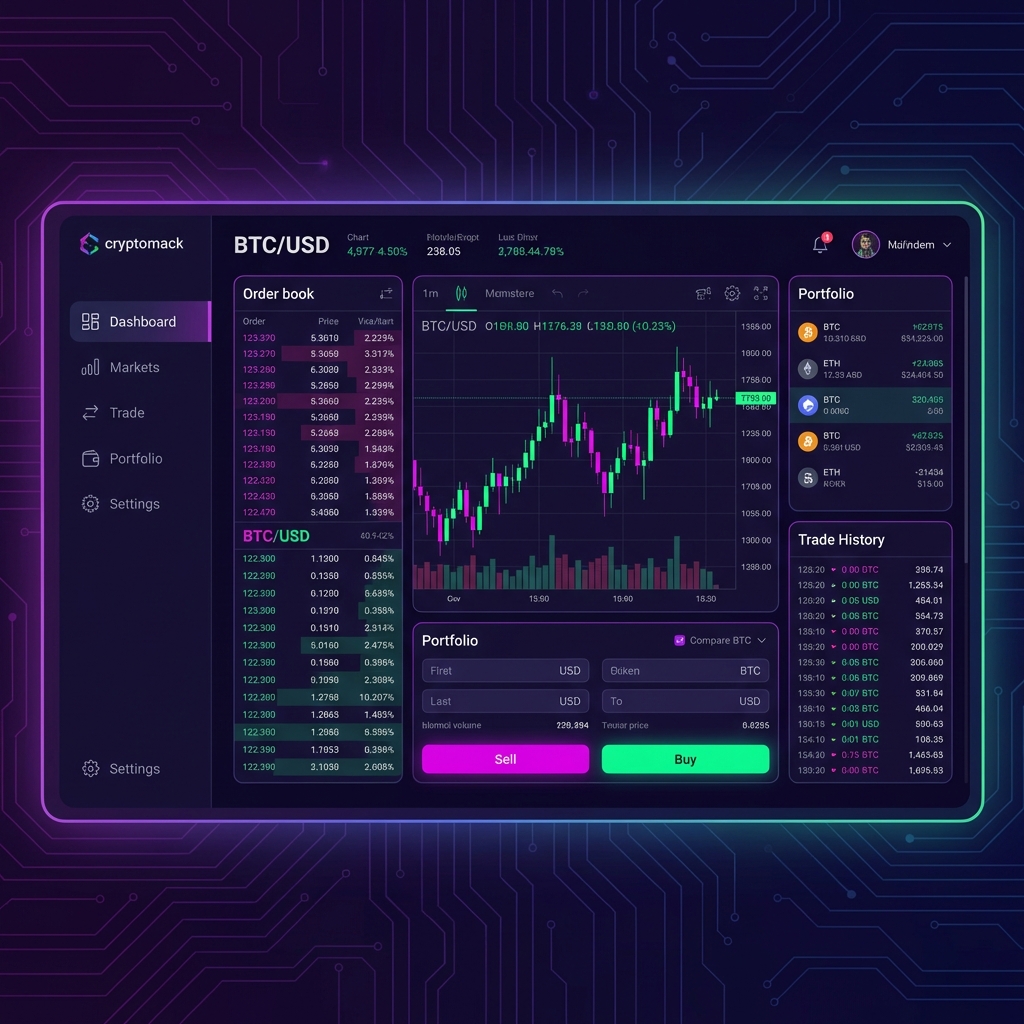
Getting Started with NexusQuant
Complete platform overview and first steps
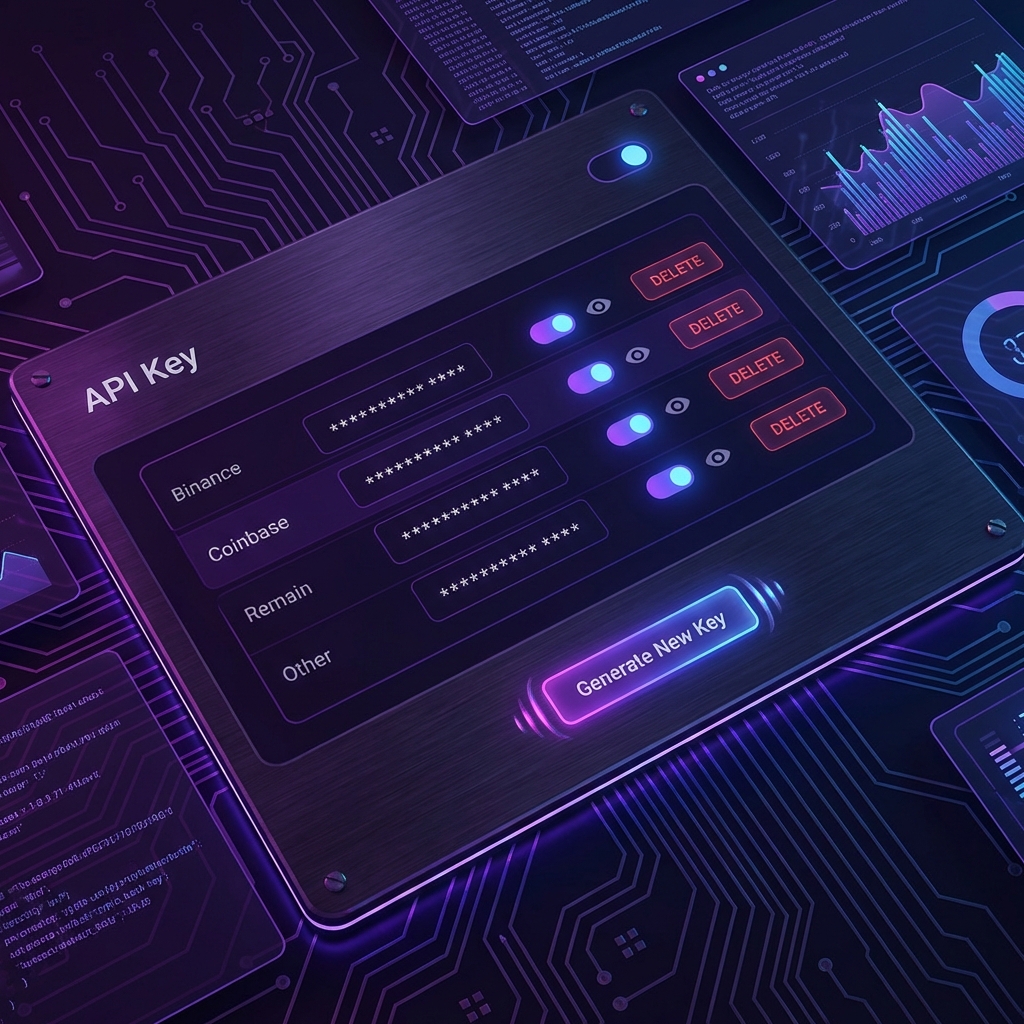
Connecting Your First Exchange
Step-by-step API key setup for Binance
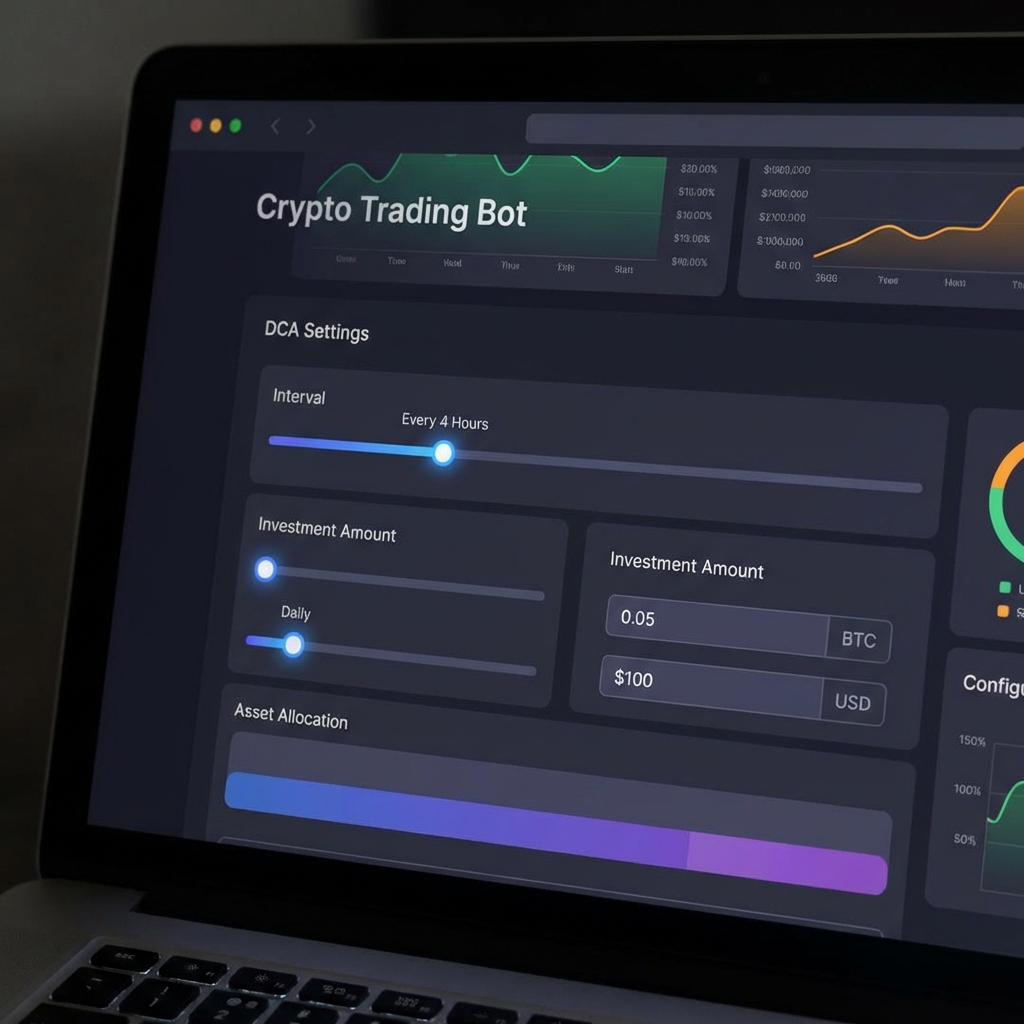
Mastering DCA Bot Configuration
Advanced settings and optimization tips
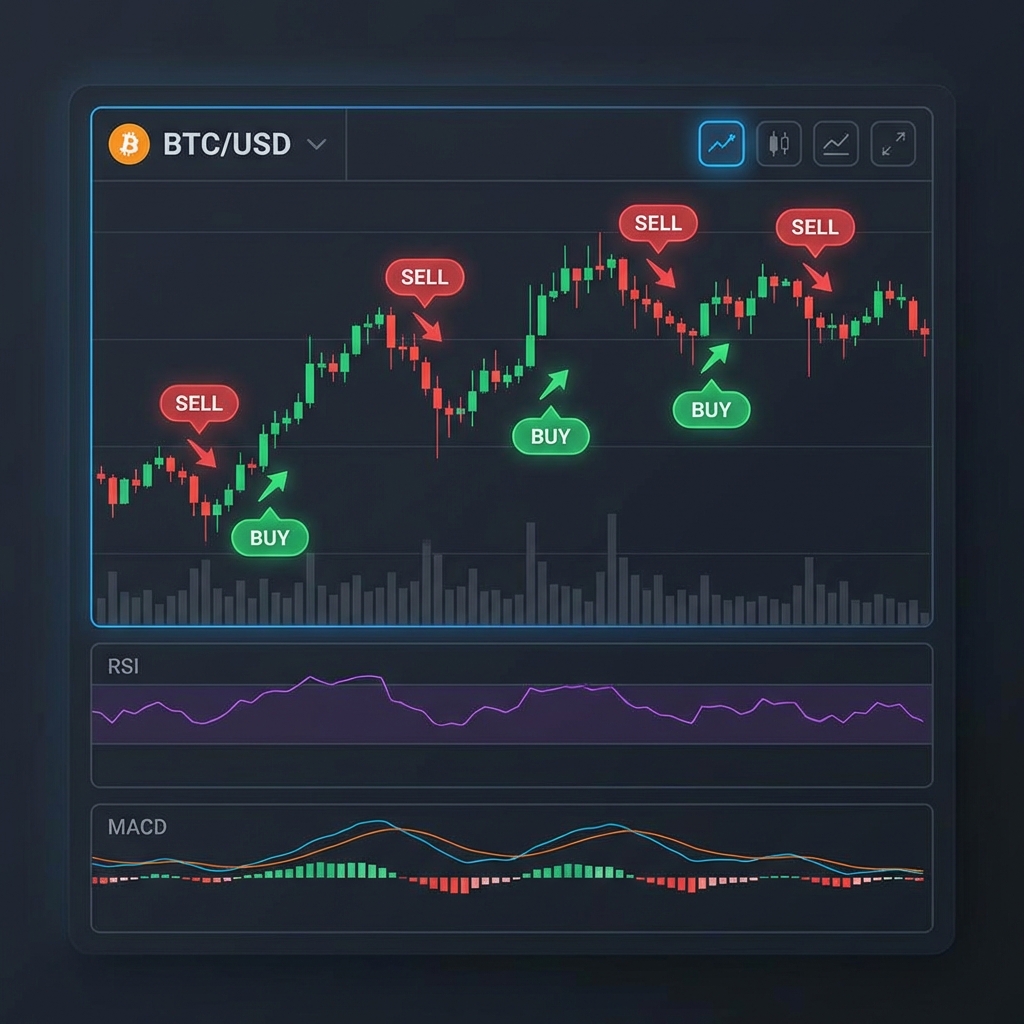
Signal Bot Trading Strategies
Configure indicators and entry/exit rules
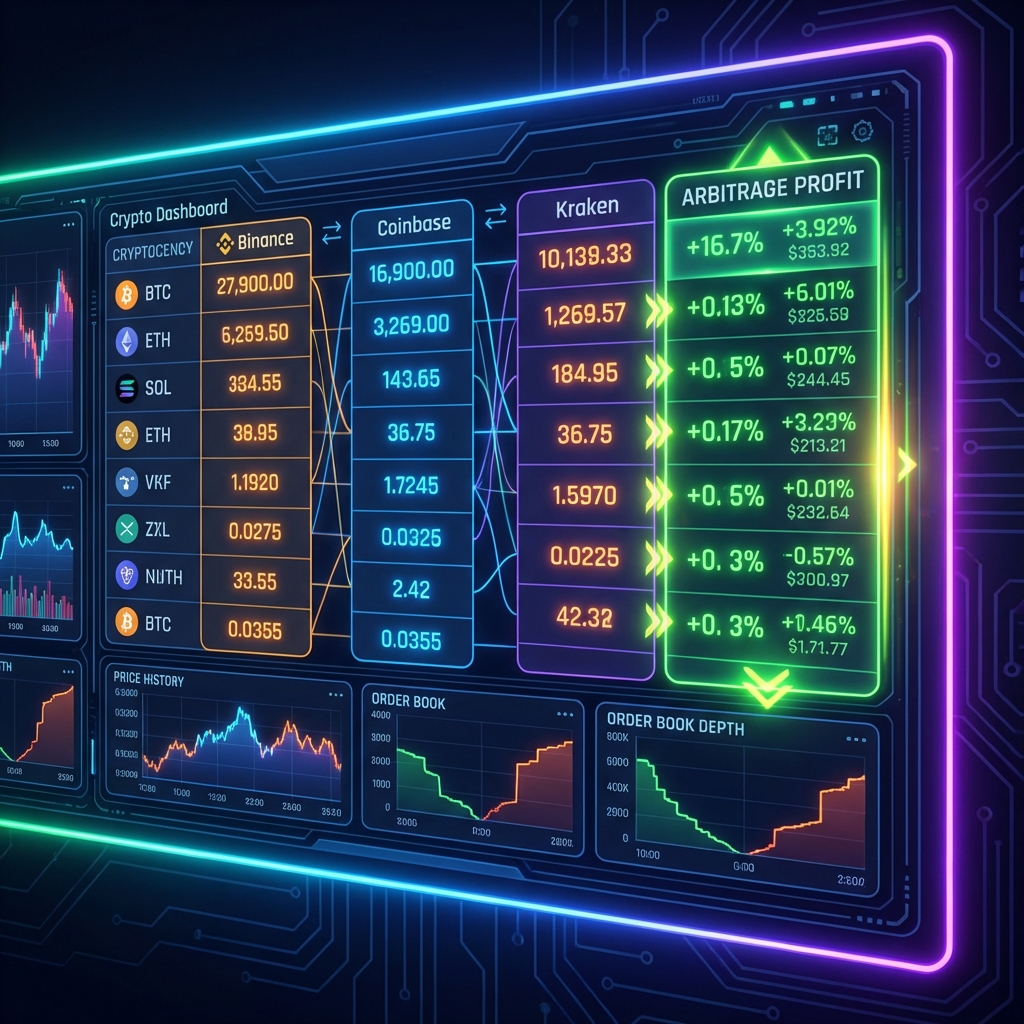
Arbitrage Bot Deep Dive
Cross-exchange arbitrage strategies
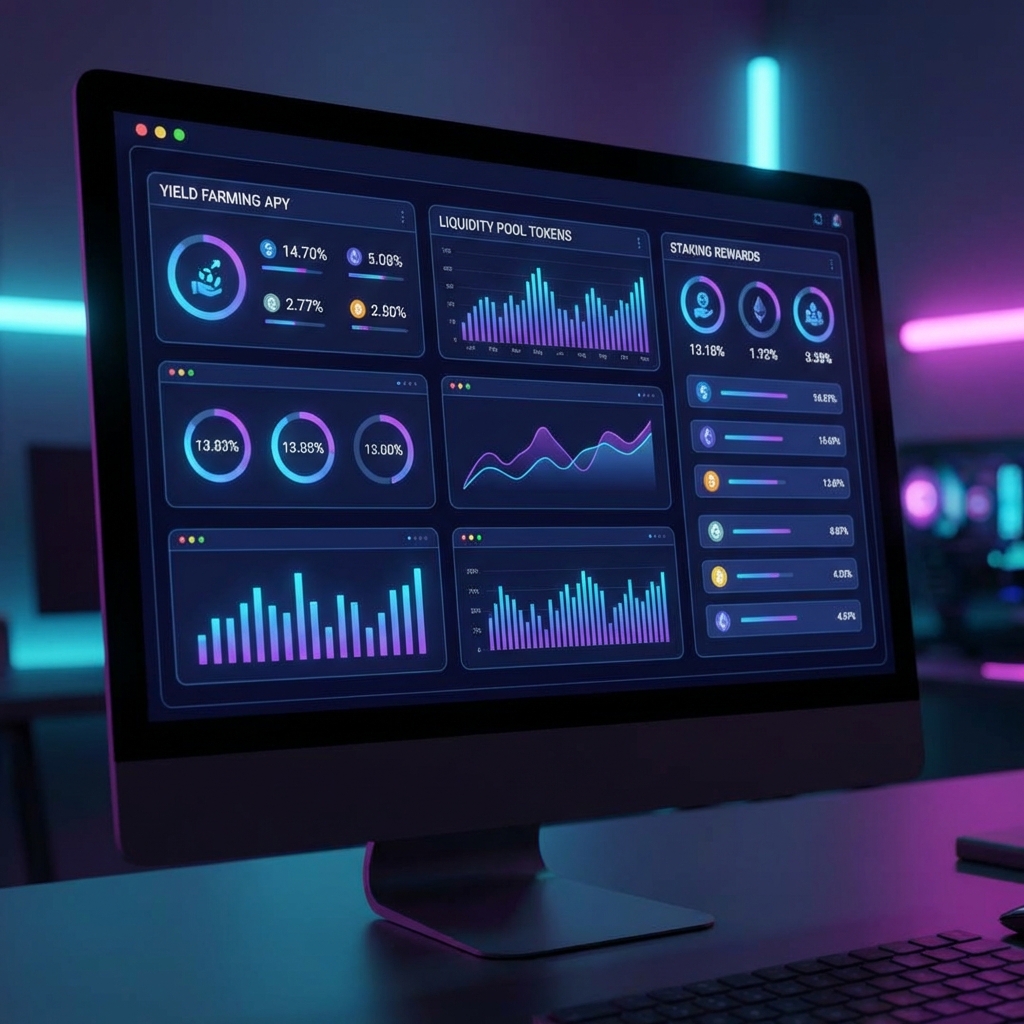
DeFi Yield Optimization
Maximize returns with automated farming
Bot not executing trades after update
My DCA bot stopped working after the latest platform update. Shows "API error" in logs.
Question about API rate limits
Need clarification on exchange API rate limits and how NexusQuant handles them.
Subscription upgrade not reflected
Upgraded to Pro plan but features not unlocked. Issue resolved by support team.
How to connect Coinbase Pro?
Needed help setting up Coinbase Pro API keys with correct permissions.
No tickets found
You haven't created any support tickets yet.
Live Chat
Chat with our support team in real-time. Average wait time: 2 minutes.
Email Support
Send us an email and we'll respond within 24 hours.
support@tradebotx.ioSystem Status
All systems operational
99.99% uptime
99.95% uptime
99.90% uptime
Dec 8, 02:00 UTC